 Make yours
Christmas Pajama Dance
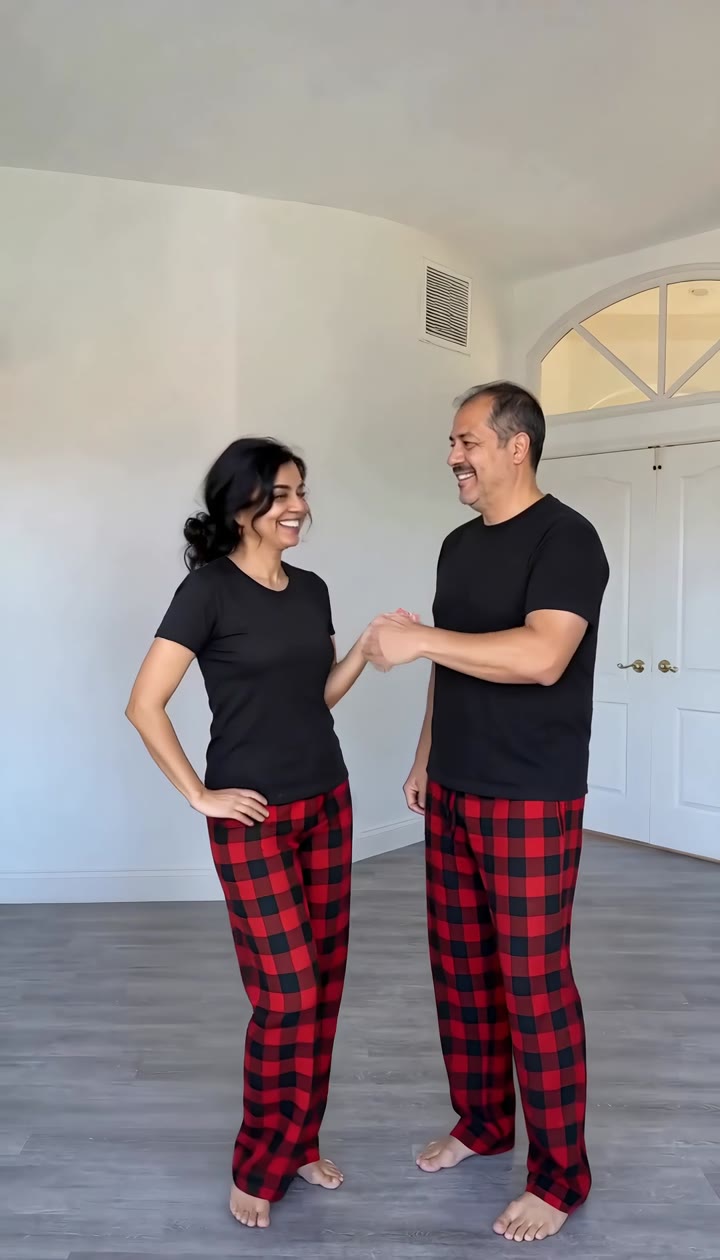
A bright empty room, two people in black tees and red buffalo-plaid pajama pants. They turn, high-five, face the camera and do the same playful little Christmas routine in sync. Now it is you and your person.
New: the TikTok Christmas pajama dance.
Make yoursReady to make · 1-2 people · Friends · Couple · Christmas · $8.90 one-time


A real video from this maker, unedited, made November 10, 2026 with photos of AI-generated sample people.
A sepia photobooth strip on a dark table, a brass pin in the corner. The phone glides down it, one pose after another, while Last Christmas plays. Now the two in the strip are you and your person.
Christmas photobooth AI video generator: two photos become a vintage sepia photobooth strip of you and your person, filmed like the viral Last Christmas trend.
Published
Part of our AI Christmas video generator collection for the holidays.
What happens in our example, a sepia photobooth strip of a dark-haired woman and a man with a moustache, filmed close up on a dark table: A sepia four-frame photobooth strip lies diagonally on a dark grey stone table under warm light, a brass pin in the corner. The phone glides slowly down it: a woman with dark wavy hair and a man with a moustache, both in winter coats with faux-fur collars, touch their chins, hide their faces and laugh, make an OK sign and a kiss, and end cheek to cheek with a peace sign.
The Christmas photobooth trend is a TikTok format that comes back every December and started early in 2026: two friends take a strip of vintage photobooth pictures, then film the printed strip close up with their phone, gliding from one pose to the next while Last Christmas plays and the lyrics appear line by line. One version posted on 8 November passed 2.2 million plays in two days, and the same format reached 2.9 million last December.
This Christmas photobooth AI video generator makes both parts for you. From your two photos it first makes a four-frame sepia photobooth strip of the two of you in cosy winter coats with faux-fur collars (a finger on the chin, hiding your faces and laughing, an OK sign and a blown kiss, cheek to cheek with a peace sign), then films the printed strip lying on a dark table the way the trend does, with the song under it.
Template clip: @fromliayoon on TikTok. The Christmas photobooth strip our template follows, 2.24 million plays by 10 November 2026. Trend began: November 2026.
Play counts were read on November 10, 2026 and keep changing.
The phone is held by hand close to the printed strip and glides slowly along it, with a gentle wobble, like someone filming their strip to post it.
A 12-second 9:16 video of the strip being filmed, in 1080p without a watermark. The poses inside the strip are still photos, as in a real photobooth; only the camera moves.
Here it is one click: upload two photos, press Make, and the Christmas photobooth template makes a sepia four-frame strip of you both and films it like the trend, Last Christmas already under it. You get a 12-second 9:16 MP4 in 1080p without a watermark, and a failed render gives its credits back.
You need 1-2 photos. Photo 1 (left in every frame) (photo 1): sits on the left in all four photobooth shots. One person, face clearly visible. Photo 2 (right, optional) (photo 2): your best friend, partner or sister on the right. Leave it empty and an AI-made friend joins you. Use one person per photo with the face clearly visible.
Drop the photos into the maker on this page and confirm you have permission. Photos go straight to private storage and are deleted after 30 days.
There is no sound to pick: your video comes with its own sound. Add the trend sound inside TikTok when you post, so your post links to the trend.
The Christmas photobooth AI video usually takes about 5–10 minutes. You can start another one or close the tab; it waits in Your videos.
Download the 12-second MP4 without a watermark and post it on TikTok, Reels or Shorts. Label it as AI-generated where the app asks.
A TikTok trend: two friends film their printed vintage photobooth strip close up while Last Christmas plays, gliding from one pose to the next. It comes back every December.
No. From two ordinary photos we make the four-frame strip and film it for you.
Yes. Leave photo 2 empty and an AI-made friend sits next to you in the strip.
Last Christmas, the sound the trend uses. If you post on TikTok you can also pick the trend sound there.
No. Paid videos come without a watermark, 12 seconds, 9:16, 1080p, for 100 credits.
No. Remake Your Meme is an independent tool and is not affiliated with TikTok, the owners of the song or the creators of the clips we credit.
Each video uses 100 credits: $8.90 paid once, or from $5.60 with a monthly plan. Credits are taken only when the video finishes, and failed videos are refunded automatically.
They are stored privately on Cloudflare, sent to the video model only through short-lived links, never used for training, and deleted with the video after 30 days.
Make yoursA bright empty room, two people in black tees and red buffalo-plaid pajama pants. They turn, high-five, face the camera and do the same playful little Christmas routine in sync. Now it is you and your person.
 Make yours
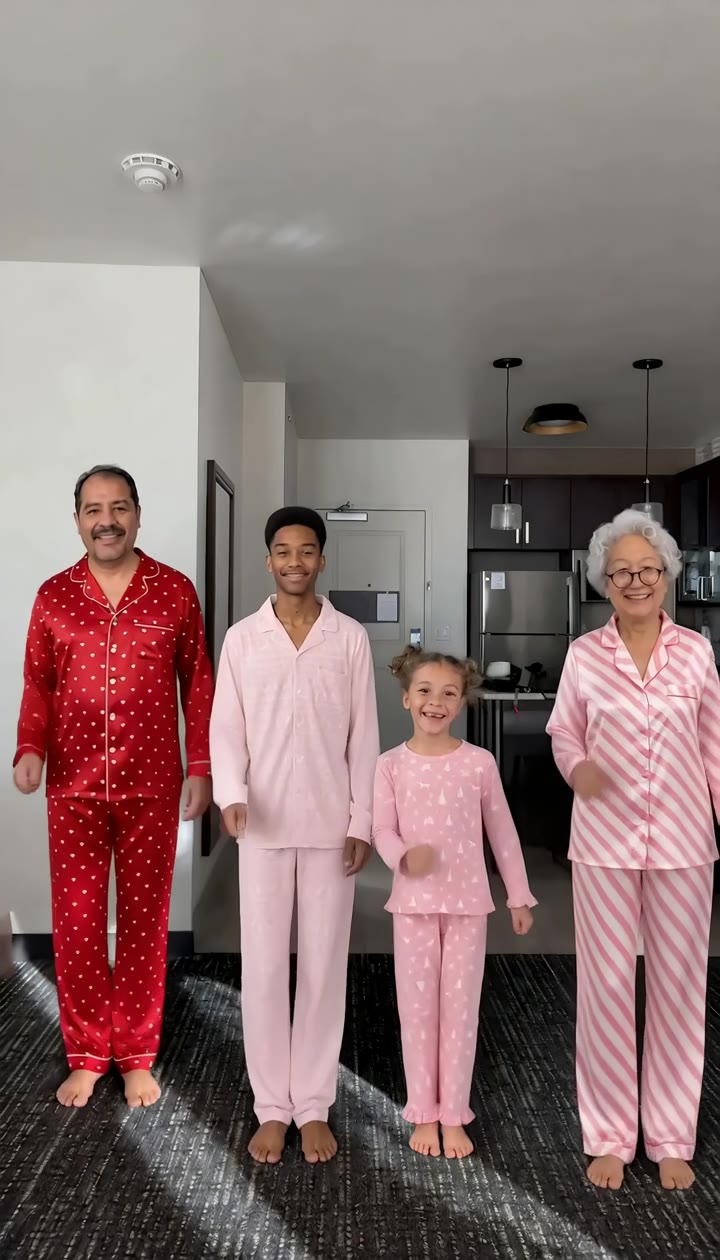
A sunny apartment, a mom and three girls in red and pink Christmas pajamas in a row. They bounce, sway, spin with their hair flying and finish on a happy pose. Now it is your family.
 Make yours
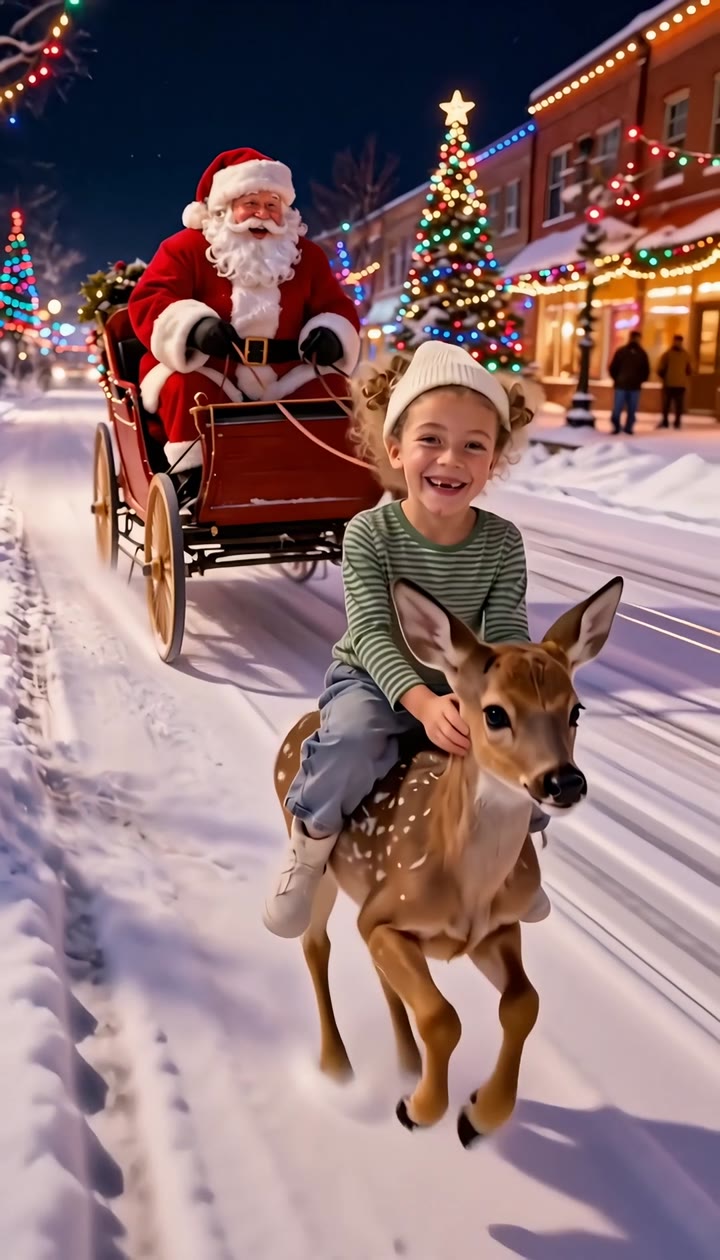
A snowy main street on Christmas Eve, lights on every shopfront. A little reindeer gallops toward the camera with your baby on its back, laughing, and Santa waves from his sleigh right behind.
 Make yoursPhoto · 5 credits
A studio covered in lime-green faux fur, fairy lights and a little tree. You in a fluffy green coat and Santa hat, leaning on a grumpy green furry creature that grins at the camera.