 Make yours
Burning Bridges
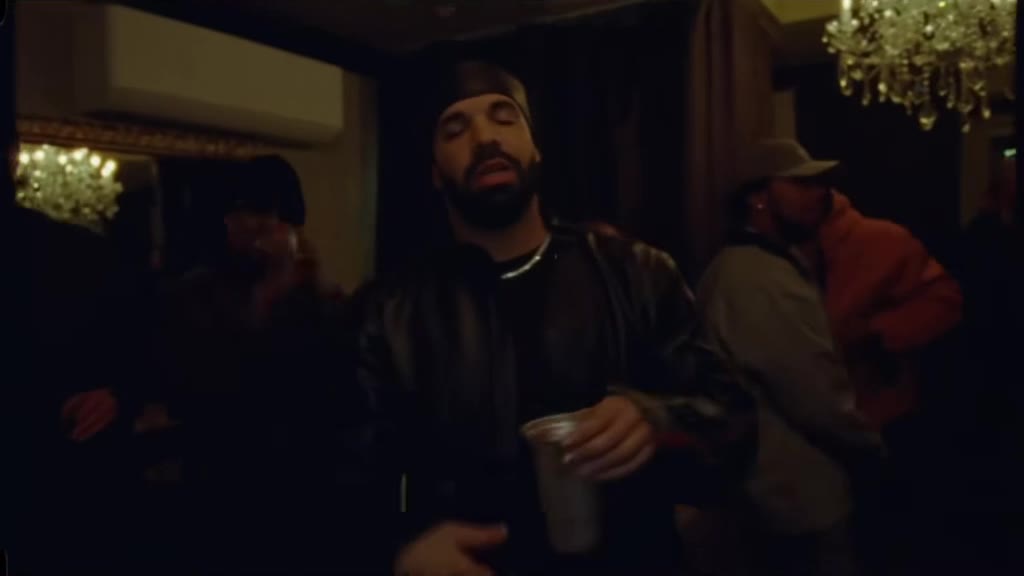
The chandelier dinner, the friends raising glasses, the hand over the eyes: "where she at?"
New: Avatar Seven Havens AI bender.
Make yoursReady to make · 1-2 people · Music · Scenes
 much og
A deep squat, fists on handlebars that are not there, a cop on a glowing hover-bike, a flip in mid-air.
Make the Crazy Frog AI trend video from one photo: you squat on the invisible moped while a cop on a hover-bike chases you. Pick one of 16 scenes or upload your own.

Real output from this maker, unedited, made October 14, 2026 with photos of AI-generated sample people.
The Crazy Frog AI trend is a wave of AI videos where a real-looking person squats on a moped that is not there and races down a road, fists out on invisible handlebars, while a cop on a white hover-bike gives chase. The rider flips over in mid-air, lands still squatting and speeds away. The name points back to the Crazy Frog, the 2005 ringtone character who rode an imaginary motorbike to the "ring ding ding" sound.
Creators put themselves, their grandmother, a cartoon princess or a coworker on the invisible moped, and lately they move the chase to a new place too: a neon city, a snowy pass, a supermarket. This Crazy Frog AI trend maker keeps the 14-second chase, the moves and the cuts, puts your photo on the moped, and lets you pick the scene. Add a second photo to cast a friend as the cop.
Template clip: @wdmowski on TikTok. The overpass chase with a cop on a hover-bike, posted 12 October 2026. Trend began: October 2026.
Play counts were read on October 14, 2026 and keep changing.
The trend started on a concrete overpass at dusk, but the chase works anywhere. Each scene below changes the road, the light and who chases you, so the cop becomes a royal guard in the palace garden or a ski patrol officer on the snowy pass. Your moves, the cuts and the timing stay the same in every one.
Choose Your own background to upload any place, such as your street, your office or a holiday photo. It sets the colours, materials and light of the chase. The road still keeps the shape of the original overpass, so the result reads as the trend set in your place, not a new shot of that exact spot.
Places shaped very differently from a road, such as the circuit board, change most in the middle of the chase; the first and last shots can stay closer to the grey overpass of the original clip.
No. The trend borrows the name, the imaginary moped and the throwback sound from the Crazy Frog, but the videos show real-looking people riding a moped that is not there, which is the whole joke. The Crazy Frog character and its music belong to their owners; this maker does not use the character, and we are not connected with its creators or rights holders.
Add one photo (and a second for the cop if you like), pick a scene, and start. The chase, the moves and the sound are built into the template, so there is no prompt to write, and you get a 14-second 16:9 MP4 without a watermark. A failed render gives its credits back.
You need 1-2 photos. The rider (photo 1): squats on the invisible moped in every shot, flips in mid-air and speeds off. The chaser (optional) (photo 2): rides the white hover-bike behind you and gets the close-up. Leave it empty for an AI cop. Use one person per photo with the face clearly visible.
Drop the photos into the maker on this page and confirm you have permission. Photos go straight to private storage and are deleted after 30 days.
Choose one of 16: Original overpass, Neon city night, Desert canyon road, Snowy mountain pass, Palace garden, Supermarket aisle, Beach boardwalk, Mars highway, Chocolate factory, Candy village, Pixel game world, Inside a circuit board, Cloud kingdom, Giant toy room, Halloween graveyard, Under the sea. Or pick Your own background and upload a photo of a place. A wide photo of any place. It sets the colours, materials and light; the road keeps the shape of the original overpass.
Trend sound keeps the audio of the trend clip under your video. No song gives you only the scene sounds, so you can add the official sound inside TikTok and link your post to the trend.
The Crazy Frog AI trend video usually takes about 5–10 minutes. You can start another one or close the tab; it waits in Your videos.
Download the 14-second MP4 without a watermark and post it on TikTok, Reels or Shorts. Label it as AI-generated where the app asks.
4 posts from the trend, most played first. Tap a clip to play it here.
Clips belong to their creators and are shown with credit and a link to the original post. Play counts were read on Oct 14, 2026. Creators can ask us to remove a clip at contact@remakeyourmeme.com.
An AI video trend from October 2026: a real-looking person squats on an invisible moped and races down a road while a cop on a white hover-bike chases them, then flips in mid-air and speeds off. The name and the sound come from the Crazy Frog ringtone character of 2005.
One photo of yourself makes you the rider, and an AI cop chases you. Add a second photo to cast a friend as the cop on the hover-bike. With Your own background, the place is one more photo, added after the people.
Yes. Pick Your own background and upload a photo of a place. It sets the colours, materials and light of the chase; the road keeps the shape of the original overpass, so the moves and cuts still match the trend.
Sixteen: Original overpass, Neon city night, Desert canyon road, Snowy mountain pass, Palace garden, Supermarket aisle, Beach boardwalk, Mars highway, Chocolate factory, Candy village, Pixel game world, Inside a circuit board, Cloud kingdom, Giant toy room, Halloween graveyard and Under the sea, or your own background. The chaser changes with the scene, for example a royal guard in the palace garden.
No. Like the trend, the video shows the person from your photo riding a moped that is not there. The Crazy Frog character is not used.
Each video uses 100 credits: $9.90 in the smallest pack, or $6.90 in the 1,000-credit pack. Credits are taken only when the video finishes, and failed videos are refunded automatically.
They are stored privately on Cloudflare, sent to the video model only through short-lived links, never used for training, and deleted with the video after 30 days.
Make yoursThe chandelier dinner, the friends raising glasses, the hand over the eyes: "where she at?"
 Make yours
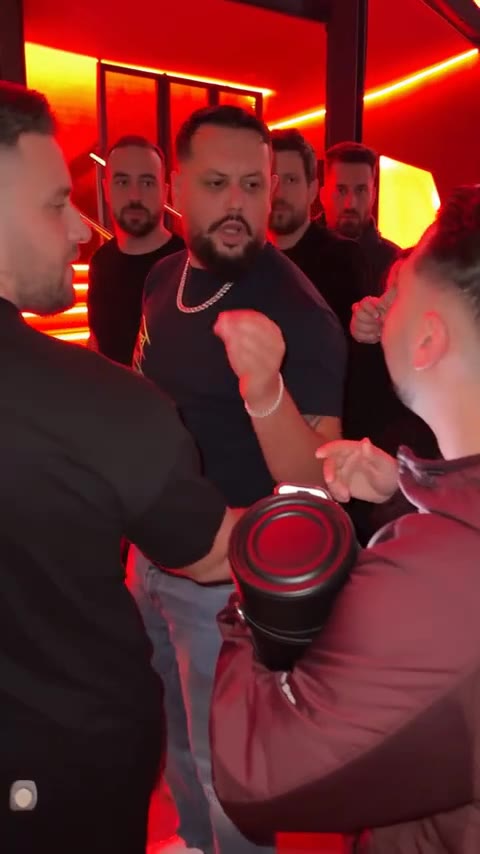
The red lights, the speaker, the crowd filming on phones, and someone new in the middle.
 Make yoursPhoto · 5 credits
You on the kitchen phone, eyes wide. In the doorway behind you, the white mask.