Tutorials
How to make AI meme videos: step-by-step tutorials
Each tutorial shows how to make one AI meme video trend so it stays closest to the original clip: the same scene, the same cuts and camera moves and the same sound, with your face in it. Every one starts from the original clip rather than a prompt, takes about 5–10 minutes, and needs only one or two photos.
People usually look for these videos in two ways: by name (“how to make the zombie couple AI video”) or by what happens in them (“the AI video where a zombie wife attacks and it cuts to a memory”). Each tutorial lists both, the real result of our maker next to the original clip, and the most played TikToks of the trend with their creators.
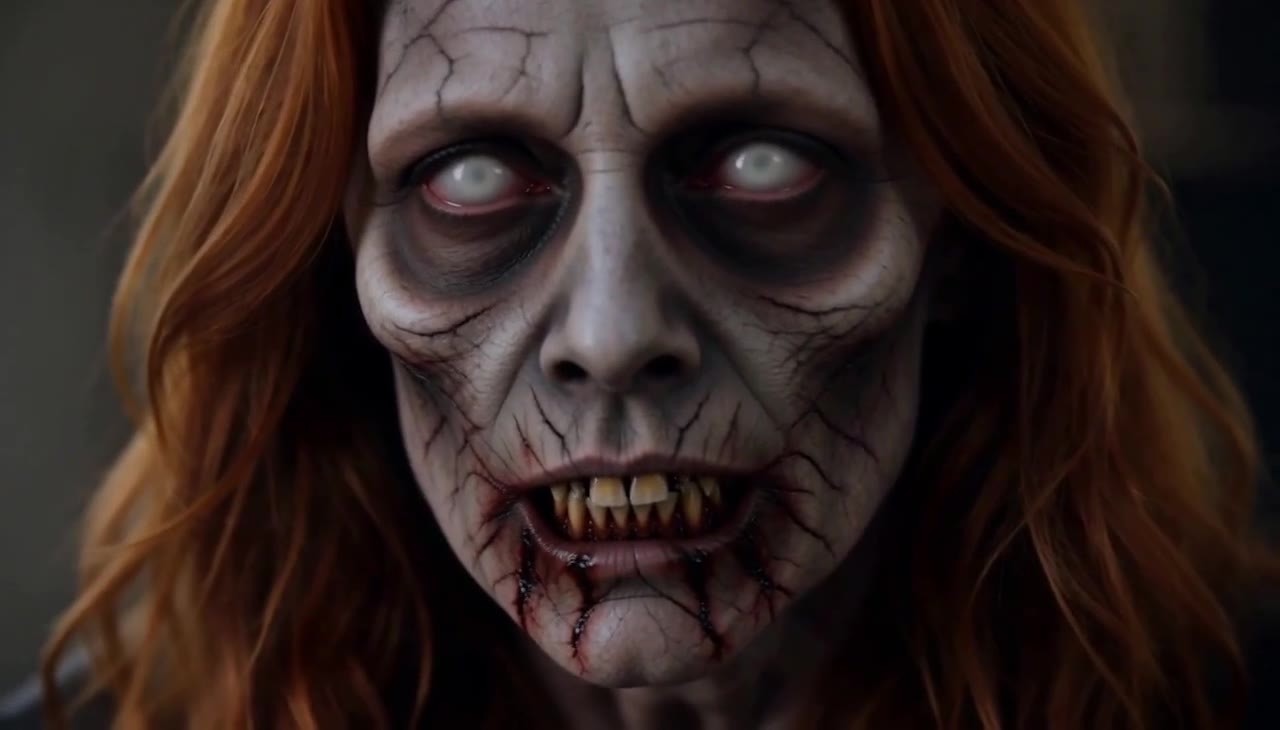 How to make the Zombie Couple AI video2 photos · 14 s · 16:9A gun shaking in their hands, the one they love walking in as a zombie, no shot as it lunges, and a cut to a memory in the golden grass.Stays as in the original: the 14-second timing of every shot: the crying close-ups, the gun raised and lowered, the zombie walking in, the lunge at 10.7 seconds and the hard cut at 11 seconds.
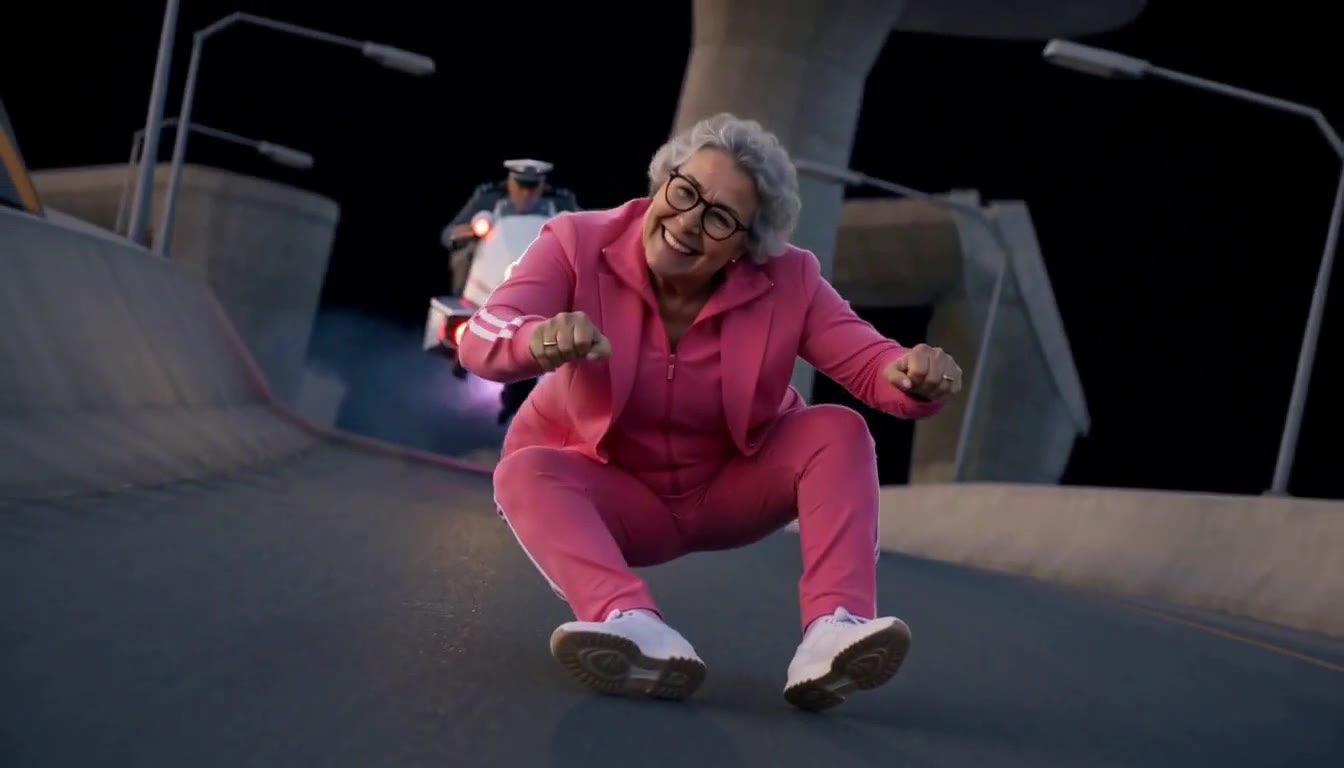 How to make the Crazy Frog AI video1-2 photos · 14 s · 16:9A deep squat, fists on handlebars that are not there, a cop on a glowing hover-bike, a flip in mid-air.Stays as in the original: the 14-second chase: the squat on the invisible moped, the fists on handlebars that are not there, the mid-air flip and the getaway.
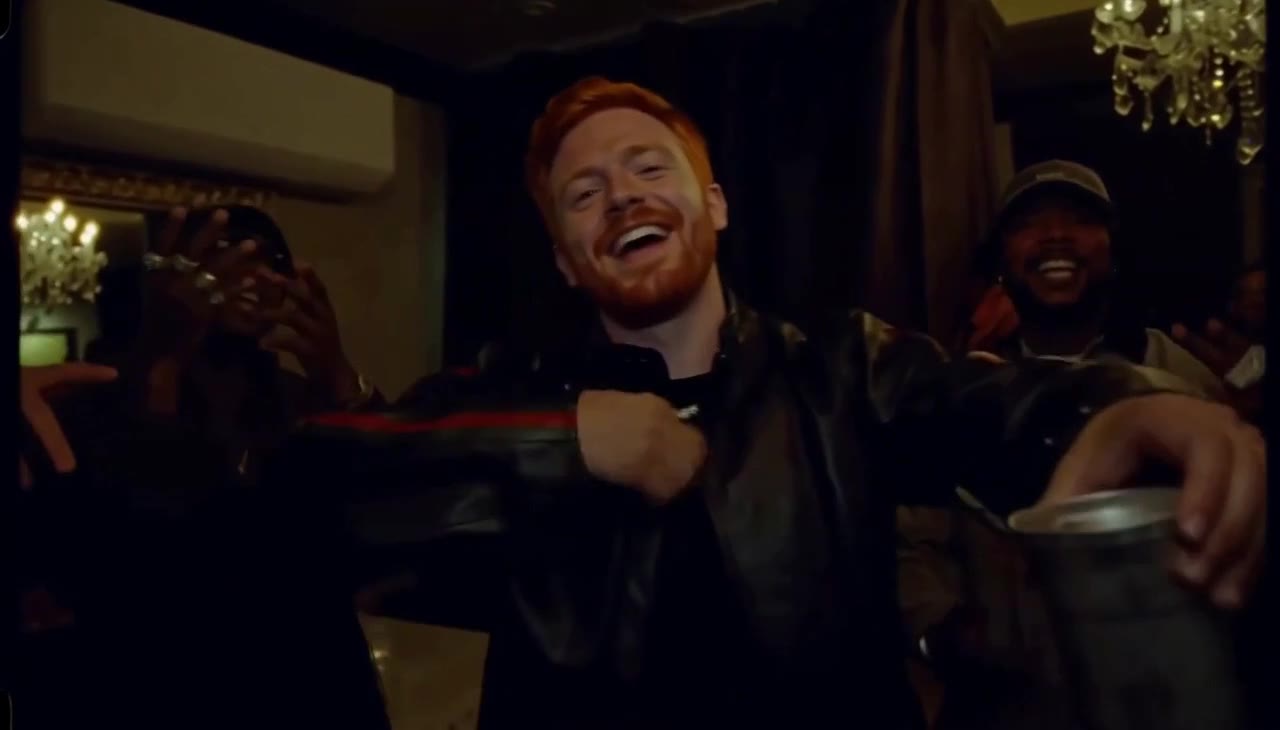 How to make the Burning Bridges AI video1 photo · 14 s · 16:9The chandelier dinner, the friends raising glasses, the hand over the eyes: "where she at?"Stays as in the original: the dinner party from Drake's "Burning Bridges" music video: the long table, the crystal chandeliers and the crowd raising silver cups.
 How to make the Hotel Lobby AI video2 photos · 14 s · 4:3Two people, one hanging microphone, the orange wall. The meme that took over TikTok in September.Stays as in the original: the flat orange booth and the microphone hanging from the ceiling.
 How to make the Rumpelstiltskin AI video2 photos · 12 s · 16:9The tiny man in the orange coat tiptoes through the straw while someone watches in horror.Stays as in the original: the straw-filled barn, the orange tailcoat and curled shoes, and the 80s fantasy-film look.
 How to make the Bulin 47 AI video1 photo · 10 s · 9:16The red lights, the speaker, the crowd filming on phones, and someone new in the middle.Stays as in the original: the red-lit entrance, the man holding the speaker and the crowd filming on their phones.
 How to make the Alors On Danse AI video2 photos · 14 s · 1:1One taps the beat on a mini keyboard, the other cannot sit still. The white studio sketch, with your two people.Stays as in the original: the white studio, the laptop and the mini keyboard.
Why these AI meme videos stay close to the original clip
Most AI meme videos on TikTok are made by giving a general video model one photo and a long prompt that describes the scene. The model then invents the room, the timing and the camera again, which is why so many versions look only roughly like the trend. Our templates start from the original clip instead. For some trends the clip is handed to the video model as the motion reference; for others we turn it into a depth video, a moving grey map of where each person stands and how the camera moves, and film the scene again on top of it. Either way the cuts, the moves and the length match the original, and the trend sound goes back under the video.
What every tutorial covers
- The original clip and a real, unedited result of our maker side by side, so you can judge how close it is before you pay.
- What you need, the steps in order, and how long the video takes.
- What stays exactly as in the original, what changes, and how to get the closest remake.
- Photo tips for that template, and the manual way with a general AI tool for comparison.
- The most played TikToks of the trend, with each creator, play and like counts, and a description of what happens in the clip.
Every video costs the same number of credits, is taken from your balance only when it finishes, and gives its credits back if it fails. See pricing or browse all meme templates, including the photo templates.