Tutorial · updated October 15, 2026
How to make the Dime Dime Baby AI video, step by step
This tutorial shows how to make the Dime Dime Baby AI video that stays closest to the original clip: the same 14-second scene, the same cuts and camera moves and the same sound, with your face in it. You need 1 photo and no prompt, editing app or download of the TikTok.
Switch between the original clip and a real result of this maker, unedited, made October 23, 2026 with photos of AI-generated sample people.
What you need
- 1 photo: The dancer: walks onto the dance floor, nibbles a piece of bread, dances, turns away and comes back to point at the camera. A person or a pet.
- 100 credits ($8.90 paid once, less with a plan), taken only when the video finishes.
- about 5–10 minutes of waiting. You can leave the page.
- A phone or a computer with a browser. No app, no editor, no account on another AI tool.
Step-by-step: make the Dime Dime Baby AI video
Open the template
Go to the Dime Dime Baby AI page on Remake Your Meme. The maker sits next to a real 14-second result, so you can compare it with the original clip before you spend anything.
Choose 1 photo
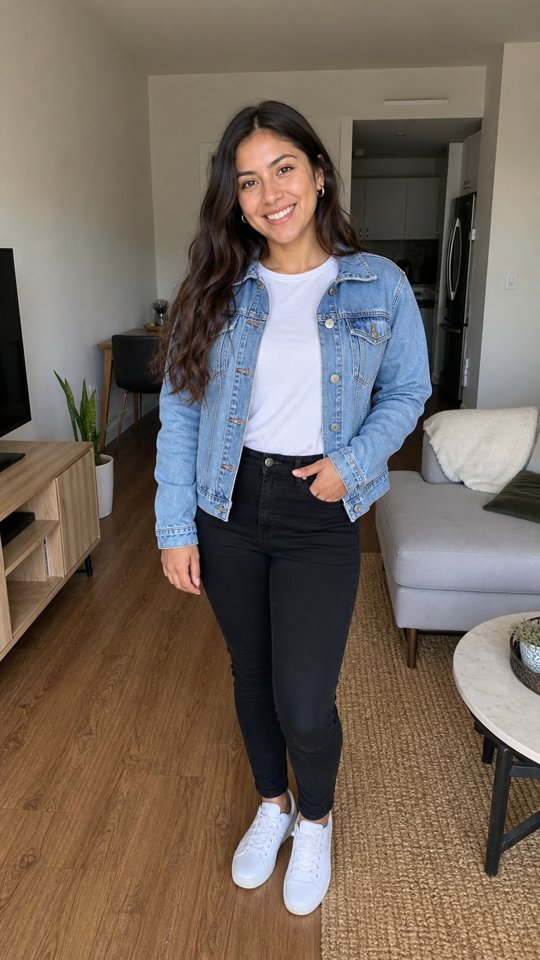
The Dime Dime Baby AI video needs 1 photo: photo 1 is the dancer (walks onto the dance floor, nibbles a piece of bread, dances, turns away and comes back to point at the camera. A person or a pet). Use one person per photo with the whole face visible, ideally front-facing and sharp.
Upload and confirm
Drop the photos into the maker and confirm that you have permission to use them. They go straight to private storage and are deleted with the video after 30 days.
Keep the trend sound
Leave "Trend sound" on to get the audio of the original clip under your video. Choose "No song" if you want to add the official sound inside TikTok instead.
Start and wait
Press "Make my video". The Dime Dime Baby AI video usually takes about 5–10 minutes. You can close the tab or start another one; the video waits in Your videos, and we email you when it is ready.
Download and post
Download the 14-second 9:16 MP4 without a watermark and post it on TikTok, Reels or Shorts. Label it as AI-generated where the app asks, and tag the people in it.
Why this remake stays almost identical to the original
Most AI versions of this trend are generated from a prompt and a reference image, so the room, the timing and the camera drift away from the clip. Here the original clip is the starting point: we turned it into a depth video that keeps where everyone stands, how they move and how the camera moves, but drops the original faces. The video model films the scene again on that depth video, with empty sets rebuilt to match the original and your photos as the people.
Play the original and the remake together
Both clips start from the same second, so you can follow every shot and cut side by side.
What stays exactly as in the original
- The 14 seconds of the original party dance, step by step: the walk onto the floor, the bite of bread, the hip sway, the turn away, the walk back and the point at the camera, all on the beat.
- Where the dancer is in the frame and the handheld camera backing away in front of them, taken from the original clip as a depth video.
- The quinceañera ballroom: the glossy tiled floor, the pink and purple party lights, the white ceiling and the guests in gowns dancing behind.
- The sound of the original clip, laid under the finished video.
What changes
- The dancer comes from your photo: a person, or a pet that dances standing on its hind legs.
- Your dancer keeps the face, hair and clothes of the photo. The black cowboy hat, the rooster shirt and the silver belt buckle of the original are left out unless your photo has them.
- The video is made in two parts and joined at the moment the dancer has their back to the camera, then sharpened to 1080p.
How to get the closest result
- Use a full-body photo, since the dancer is seen head to toe for most of the clip.
- For the original look, use a photo in a cowboy hat, a dark shirt, jeans and boots.
- For a pet, use a photo where the whole animal is visible and sharp.
Three ways to make a Dime Dime Baby AI video almost identical to the original
| Method | How close to the original | What you do |
|---|---|---|
| This maker | Very close: built from the original clip, with the scene, cuts, camera and sound already set up. | Add 1 photo and press one button. Failed videos are refunded. |
| Motion transfer, such as Higgsfield Genjutsu | Very close: Higgsfield says the motion, camera and timing stay as filmed and everything else is rebuilt from your references. | Find and download the original clip, upload it with your photos, describe the swap, check every shot, then add the sound back. |
| Prompt and a reference photo | Loose: the model invents the room, the timing and the camera again on every run. | Write a long prompt for every shot and retry until the scene looks right. |
Higgsfield's description read on its Genjutsu page on 15 October 2026. We are not affiliated with Higgsfield.
The manual way, for comparison
This is how people make the Dime Dime Baby AI video with a general AI video tool. It works, but every step is a place where the result drifts from the original:
- Find a Dime Dime Baby CapCut template or AI effect on TikTok and save it.
- Upload your photo and hope the face stays yours: many templates only paste a face onto the original man.
- Put the Dime Dime Baby sound back under the video in CapCut, then export it.
Photo tips for the Dime Dime Baby AI video
- Use one sharp photo with only one person or one pet in it. A full-body photo is best, because the dancer is seen head to toe for most of the video.
- Your dancer keeps the clothes from the photo. Want the cowboy look? Use a photo in a hat and boots.
- For a pet, use a clear photo where the whole animal is visible. It dances standing on its hind legs.
If you are looking for this video by description
People often ask for the Dime Dime Baby AI video without its name. These all mean the same clip, and this tutorial covers them:
- “the TikTok where a man in a cowboy hat dances at a quinceañera and eats bread”
- “dime dime baby AI dance with my photo”
- “baile dime dime baby IA”
- “the cowboy party dance trend with my dog”
Read more about where the trend came from on the Dime Dime Baby AI Video Generator page, or browse all meme video templates.